Free QR-code templates
To use a template, simply click the template and it'll be available in your Canva account (or prompt you to create a free account to edit & download). Please be sure to switch out the QR code (placeholder) for the one located in your account.
All templates are designed to be used with your QR-code, accessible by clicking the 'Share with Guests' button in your admin-panel.
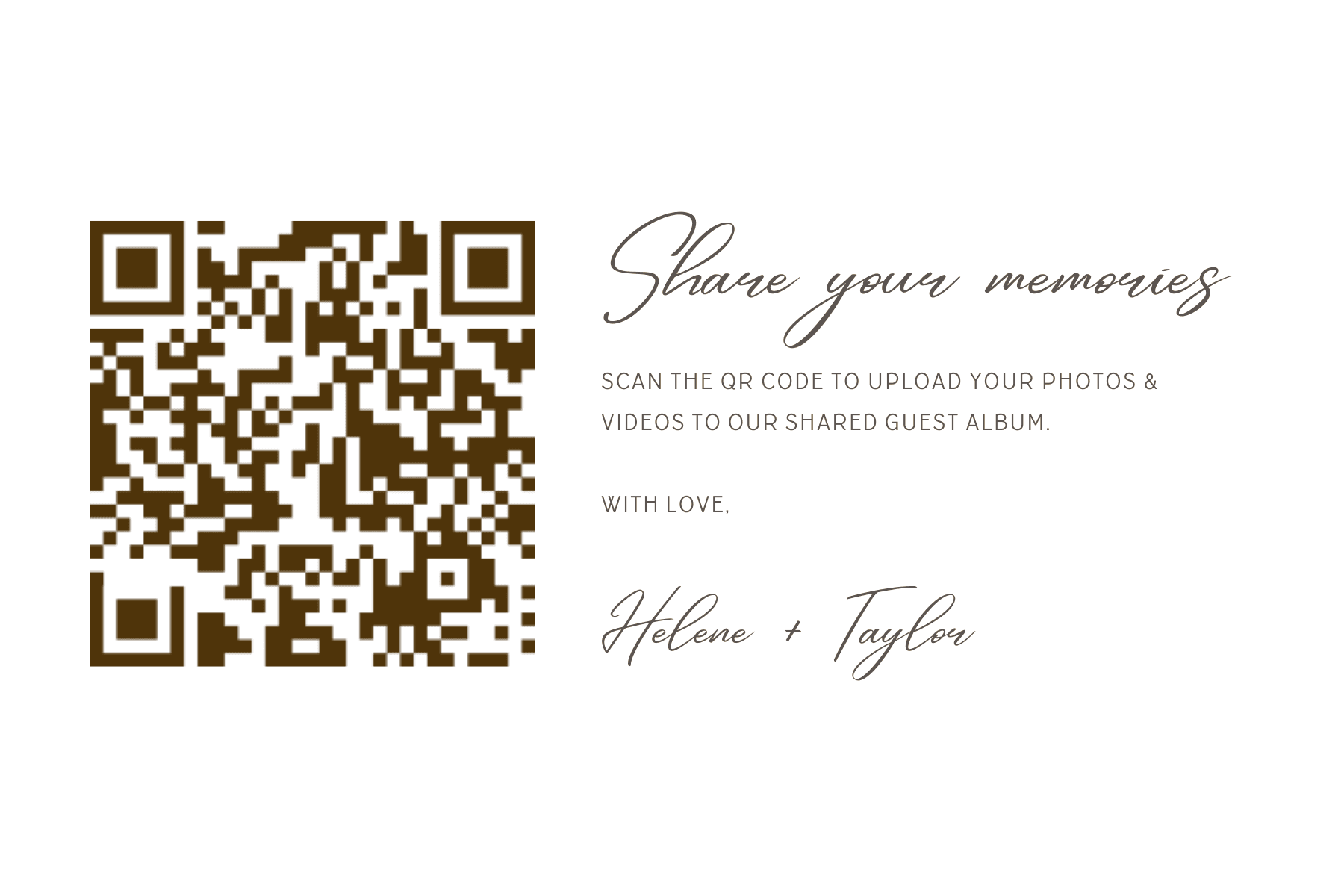
Share Your Memories CardCopy & edit in Canva

Botanic EleganceCopy & edit in Canva
.png&w=2560&q=75)
Guest Photo AlbumCopy & edit in Canva
.png&w=2560&q=75)
Share Your Photos InvitationCopy & edit in Canva

Traditional BorderCopy & edit in Canva
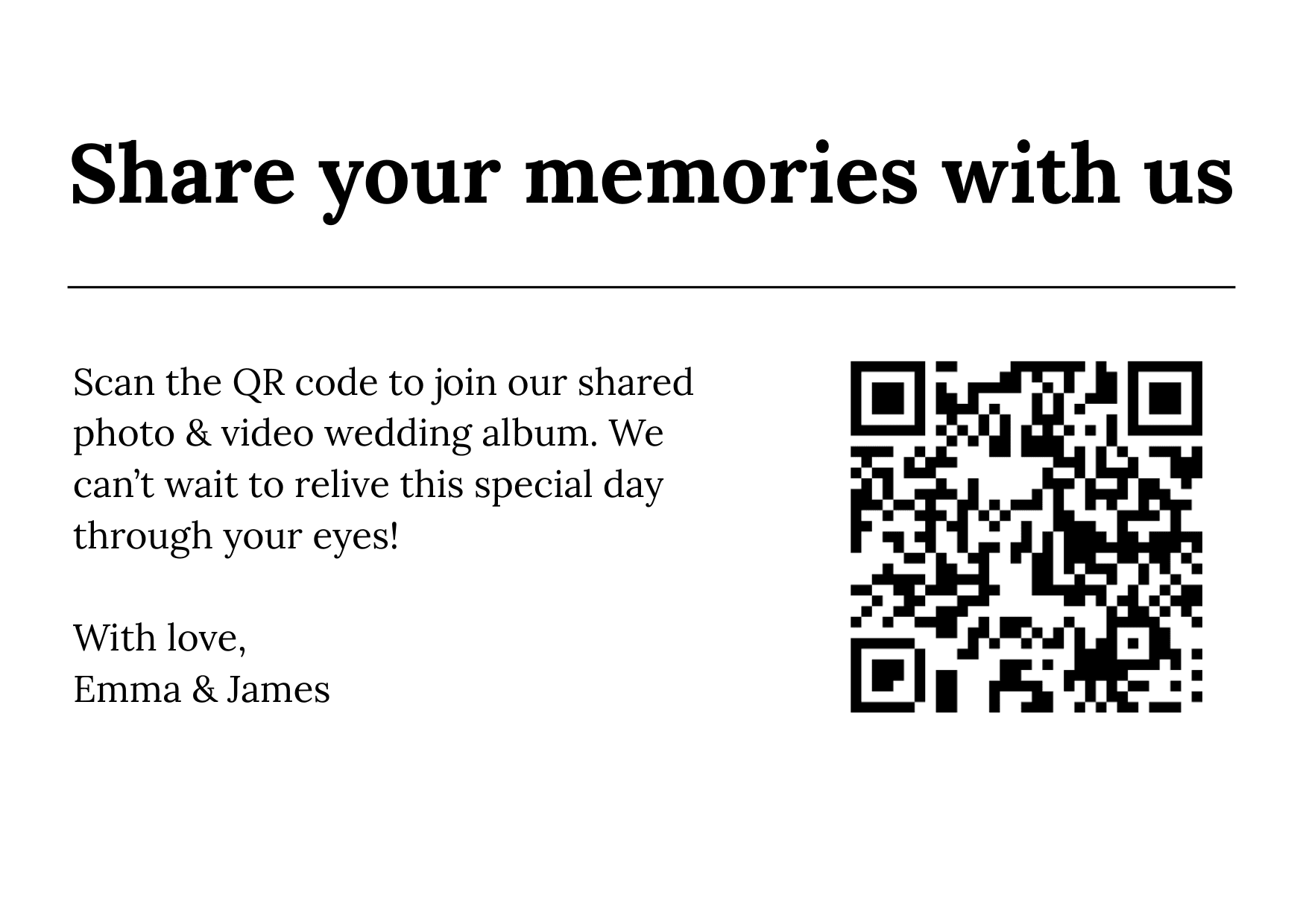
Simple CardCopy & edit in Canva
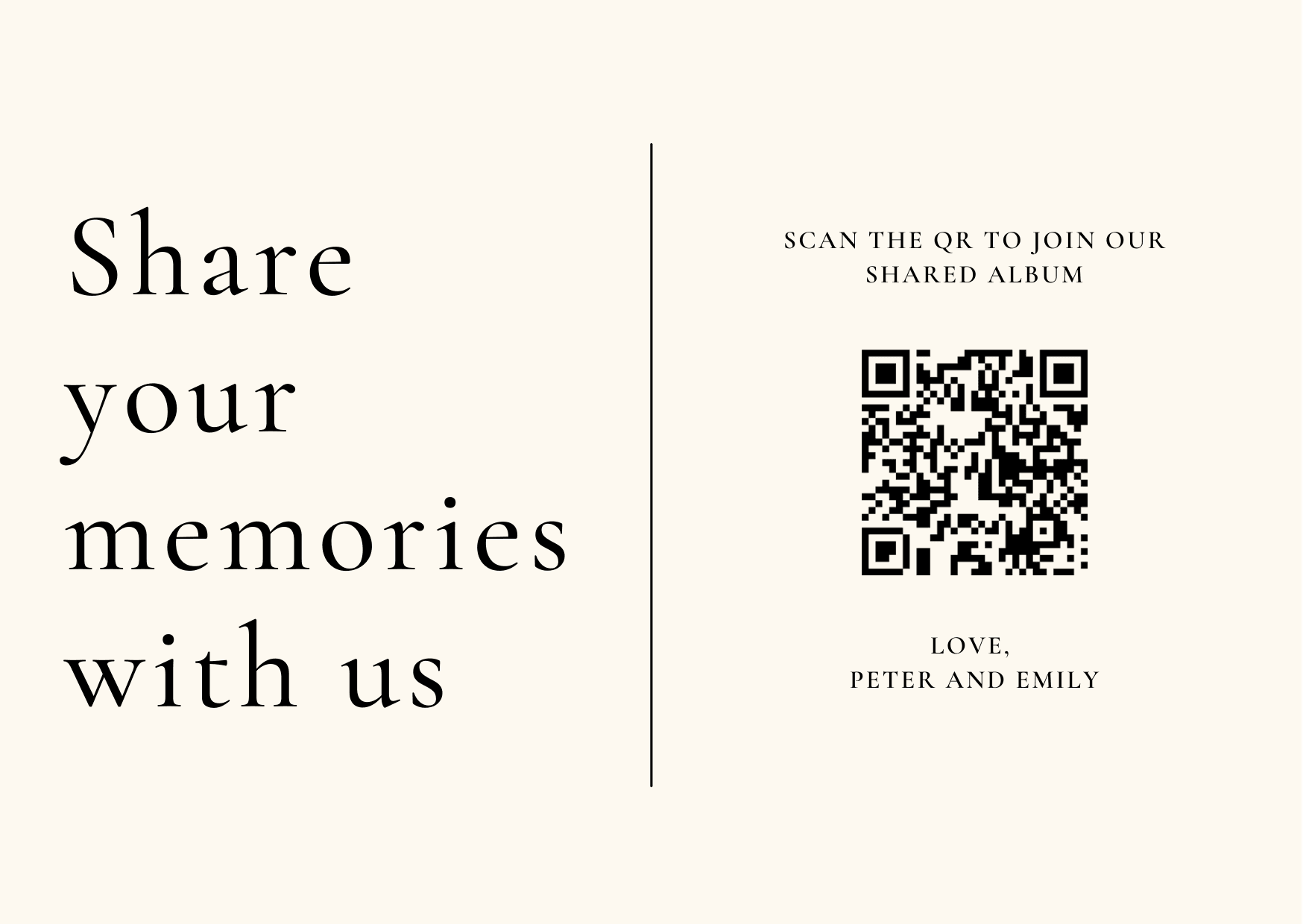
Date CardCopy & edit in Canva
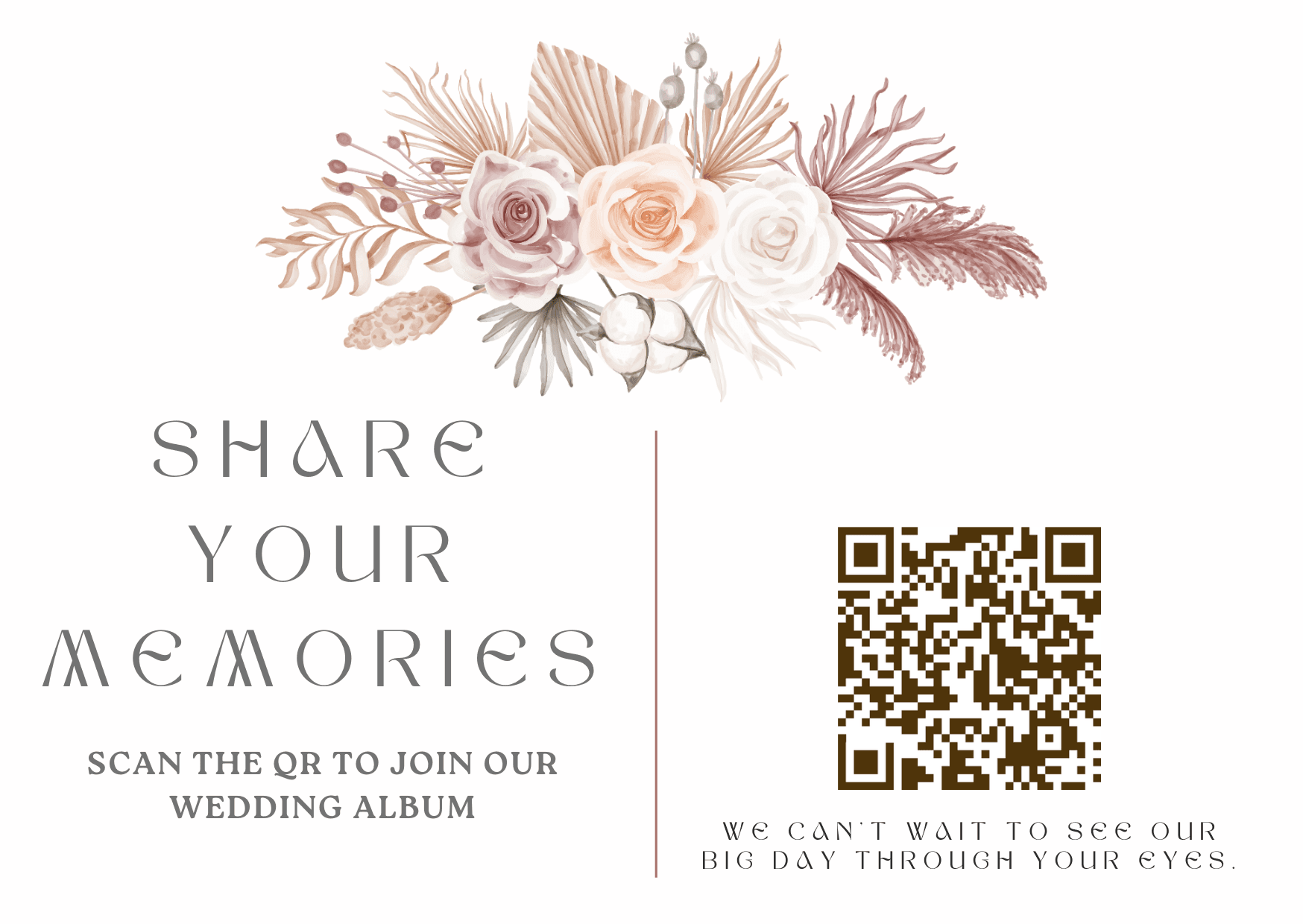
Share Your Photos CardCopy & edit in Canva

Leaf TagCopy & edit in Canva
.png&w=2560&q=75)
Minimal QR CardCopy & edit in Canva
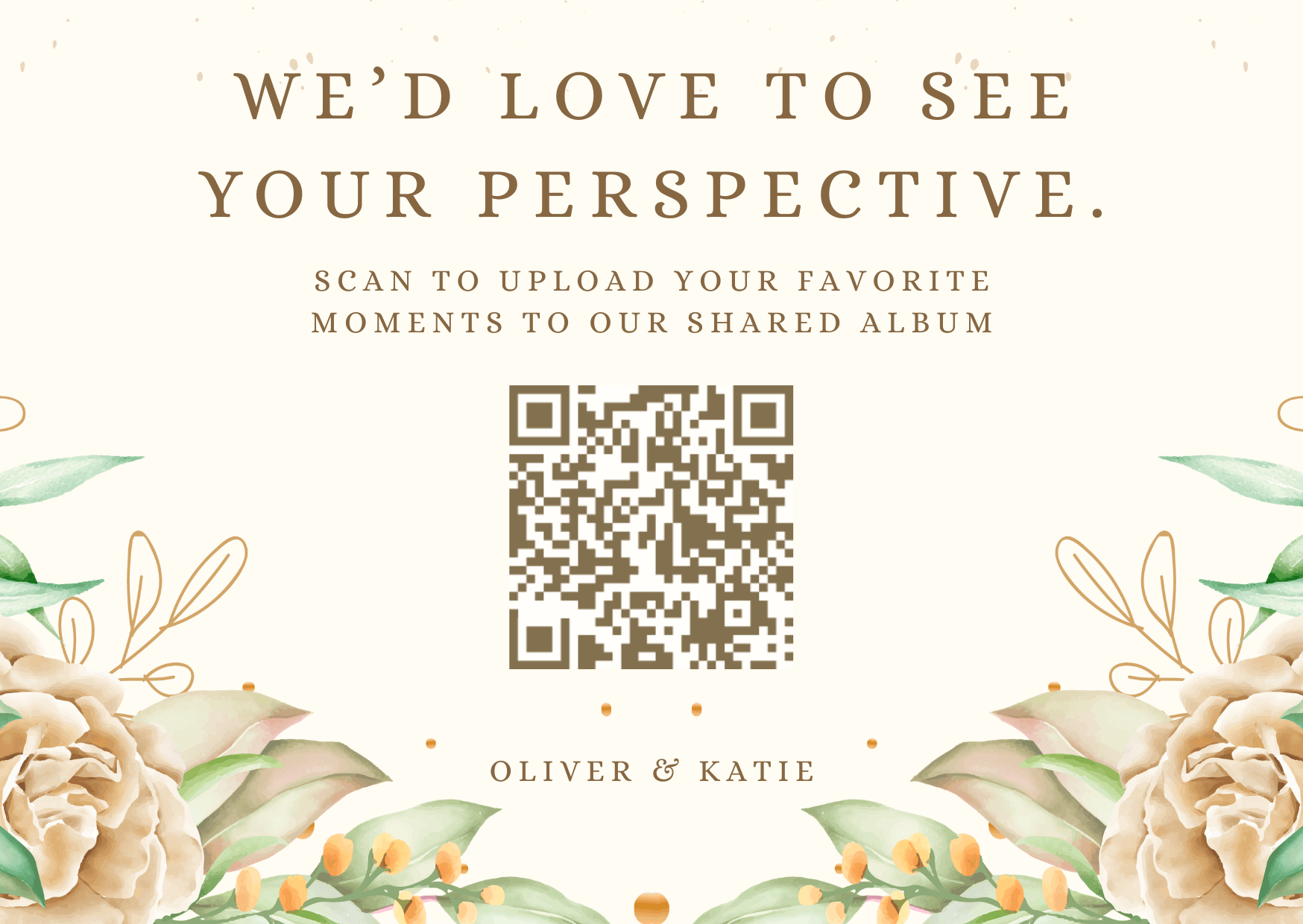
Your Paragraph Text CardCopy & edit in Canva
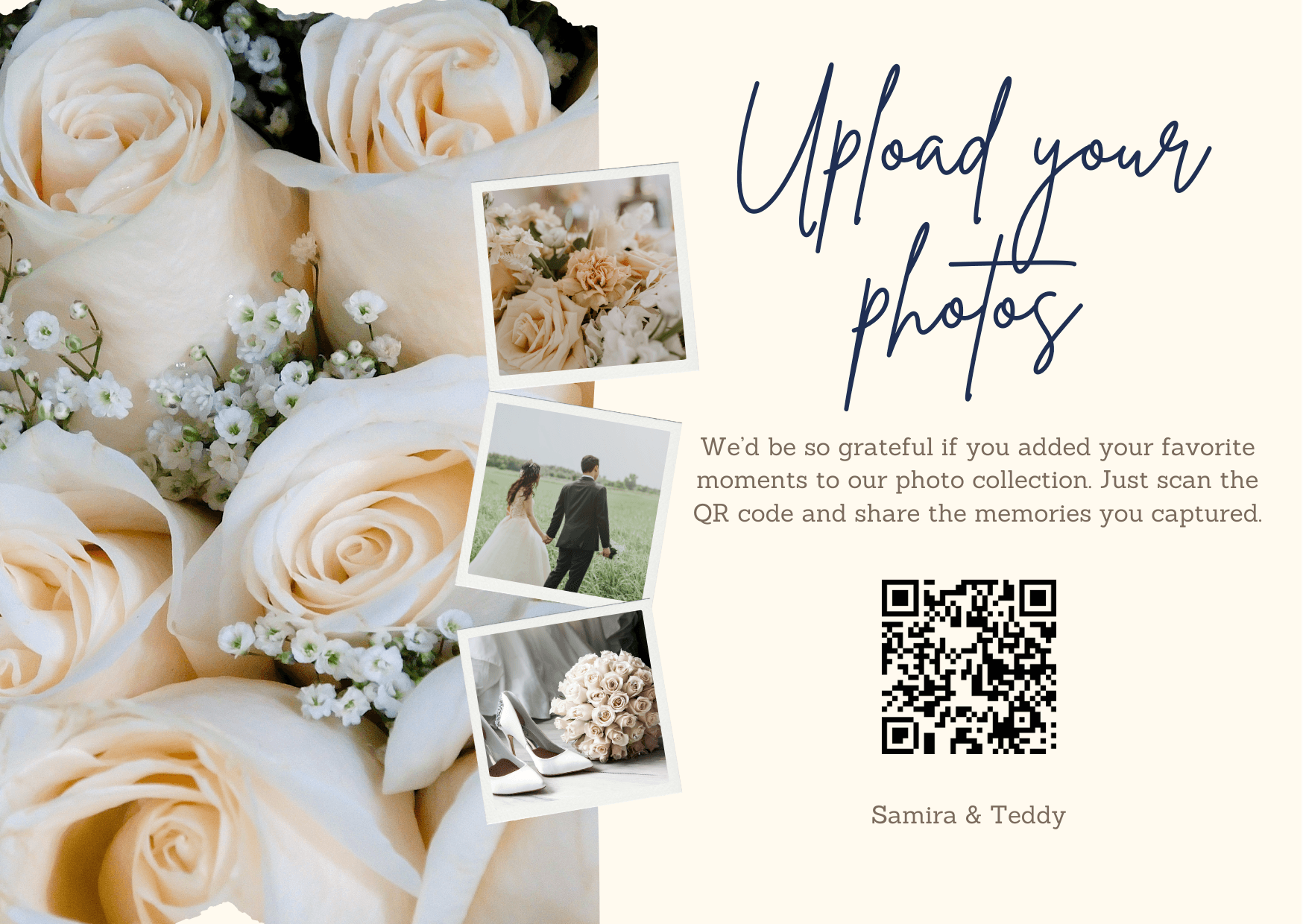
Upload Your Photos CardCopy & edit in Canva
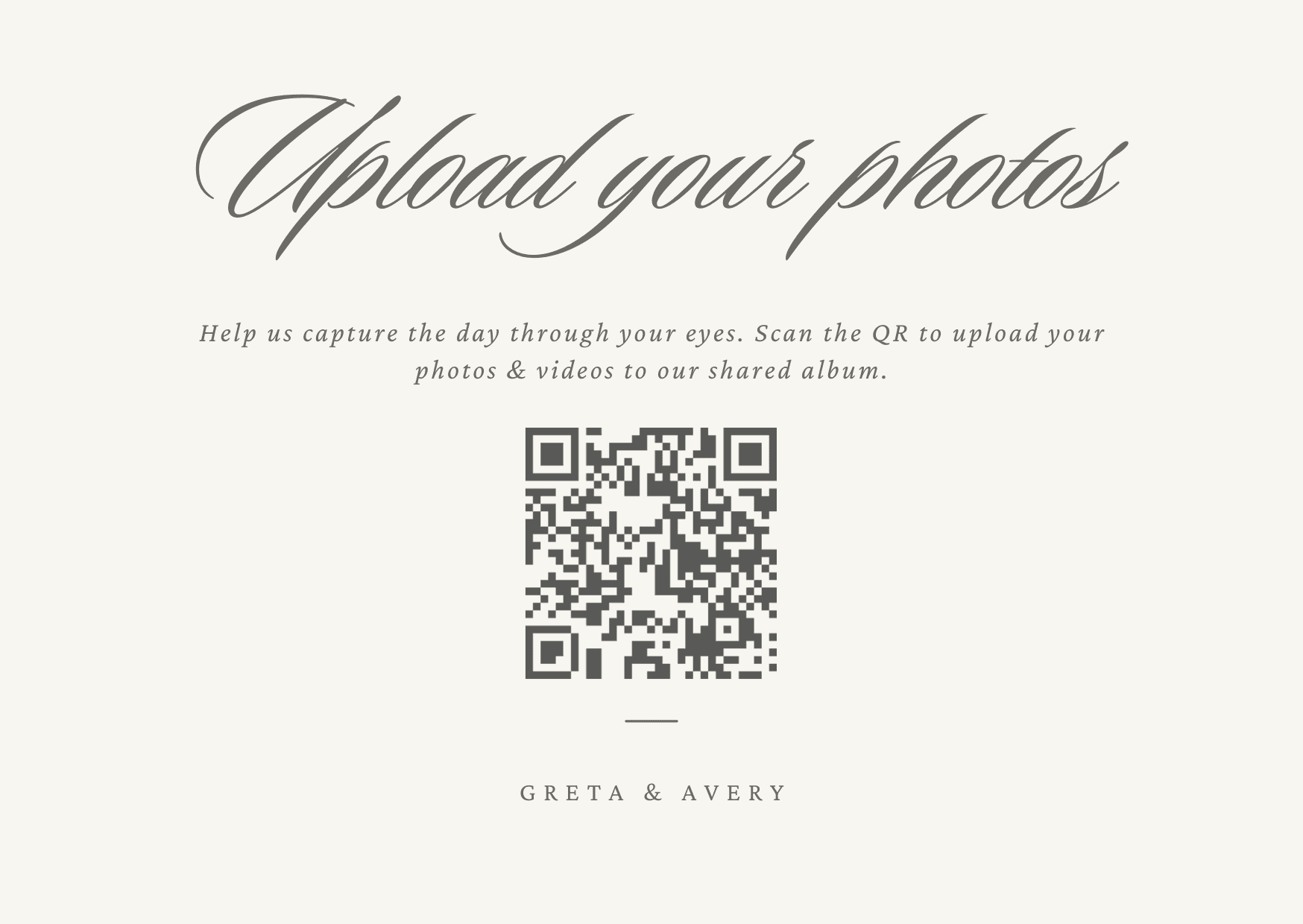
Simplicity CardCopy & edit in Canva
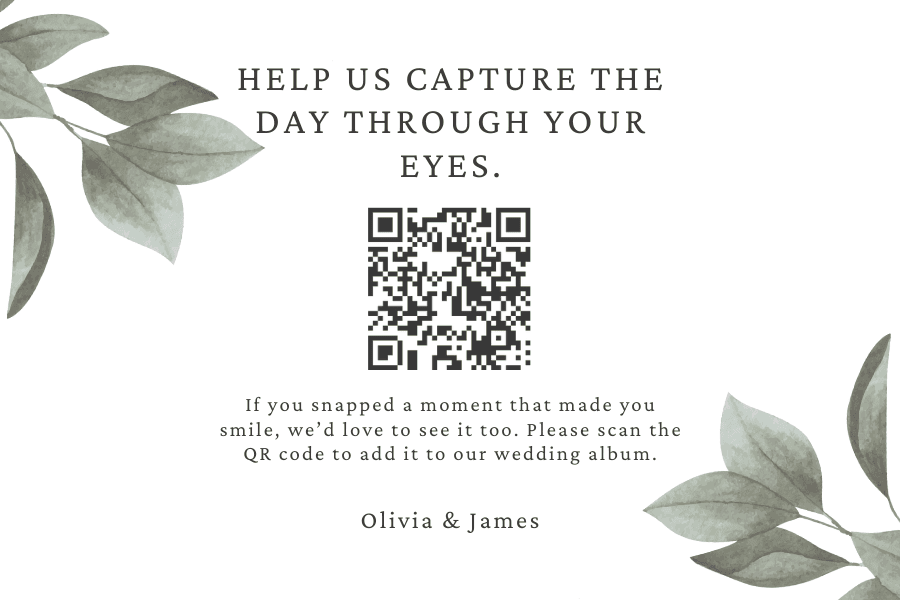
Capture the Day LabelCopy & edit in Canva
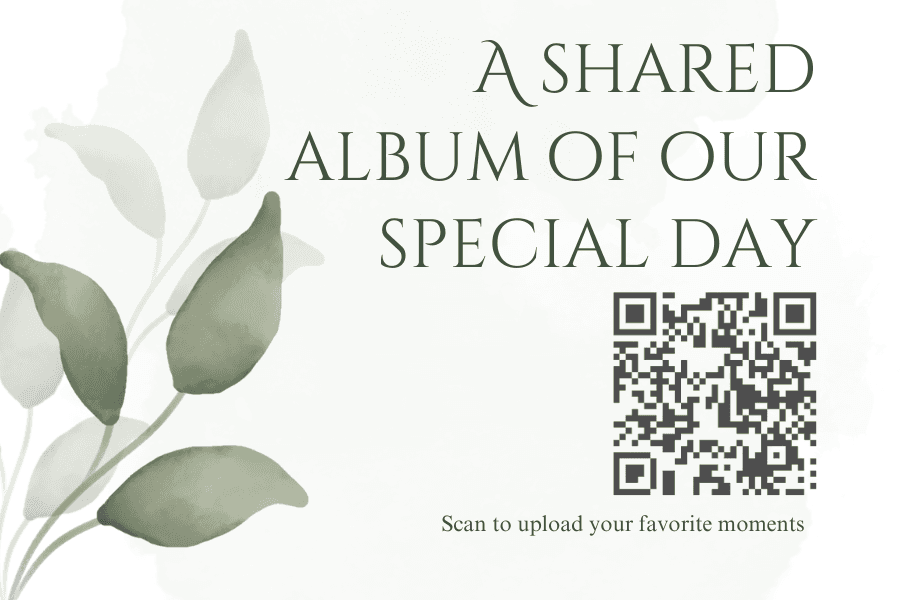
Simple Version LandscapeCopy & edit in Canva
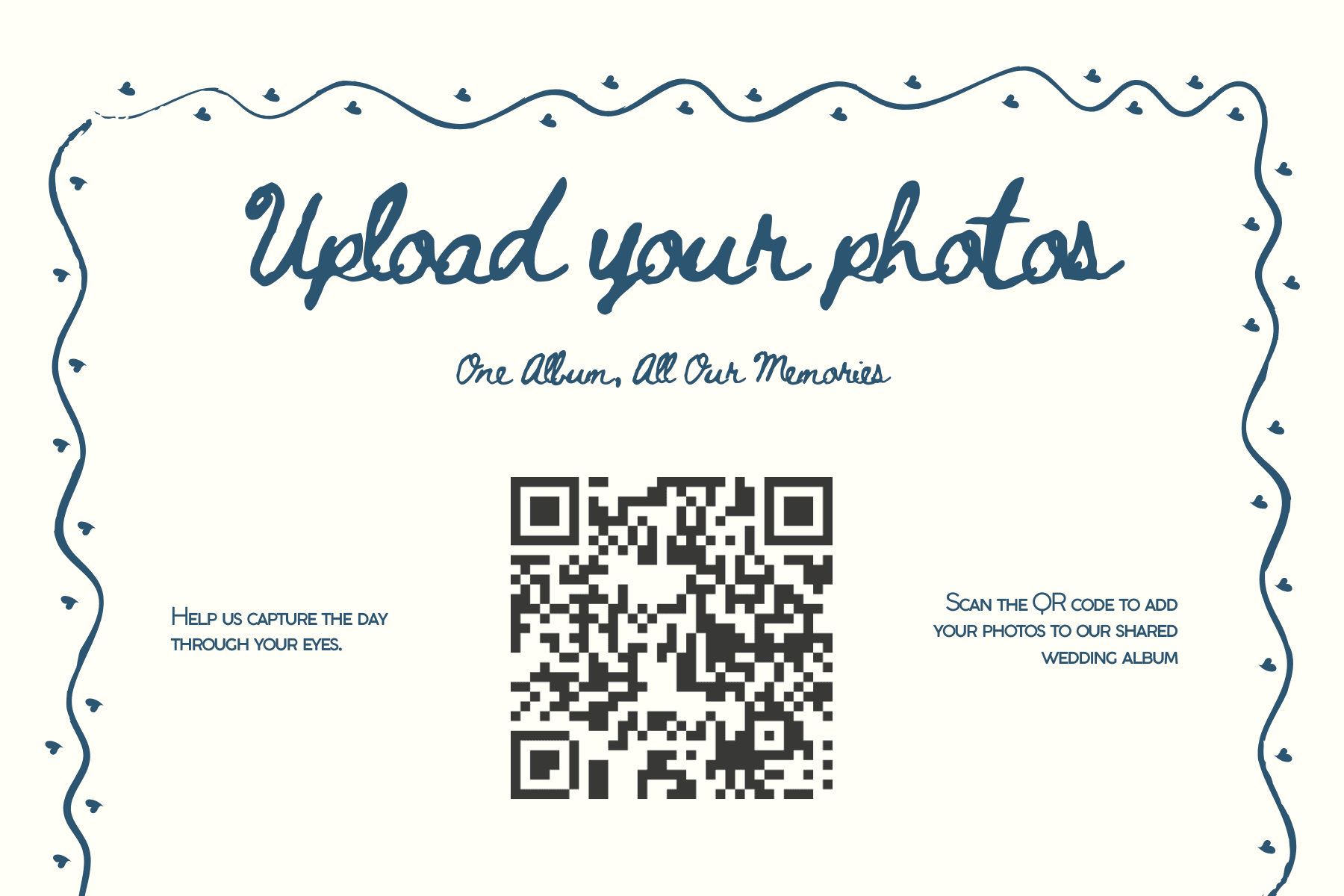
Capture Through Eyes CardCopy & edit in Canva
.png&w=2560&q=75)
Join Our Album CardCopy & edit in Canva
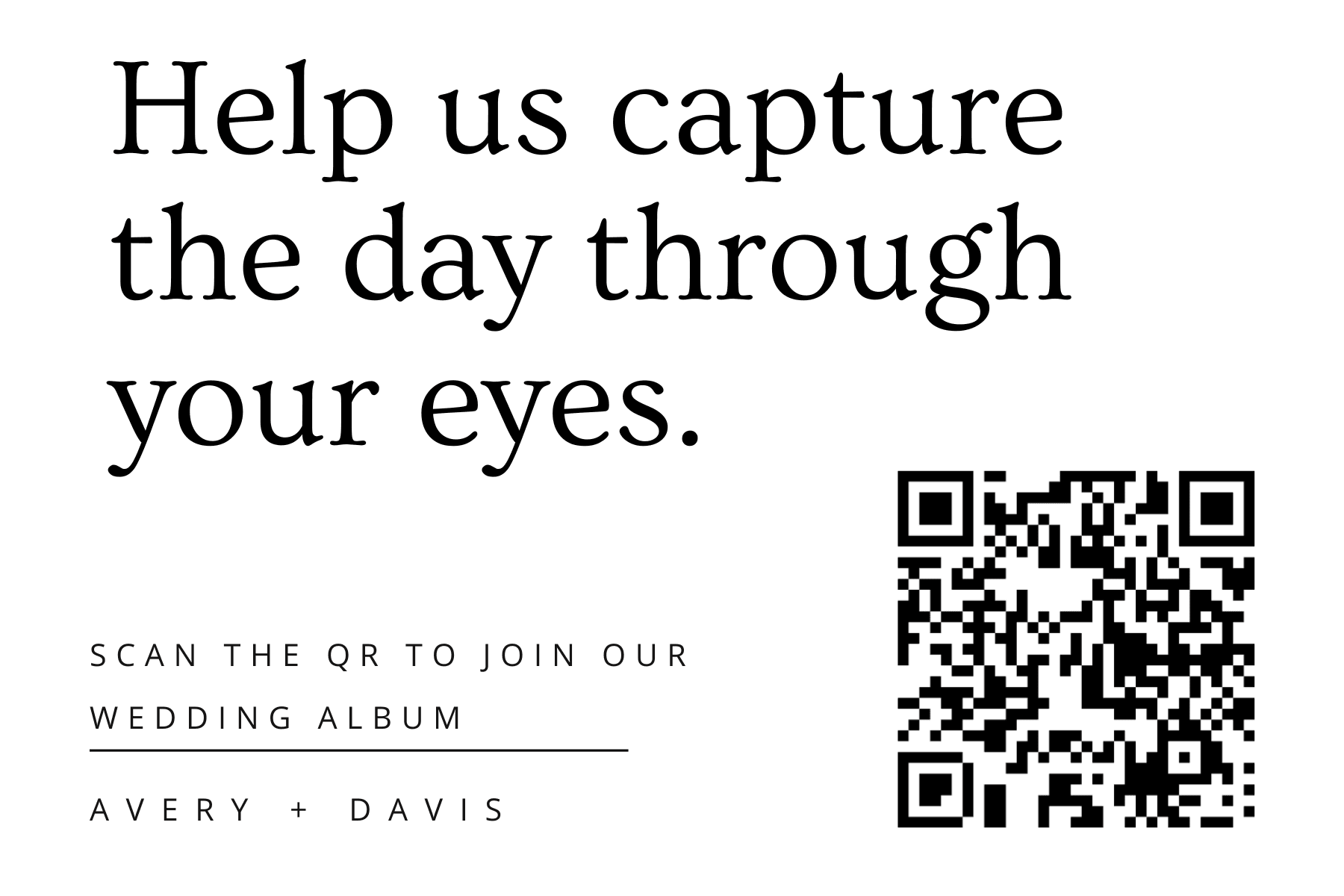
Ceremony Bar CardCopy & edit in Canva
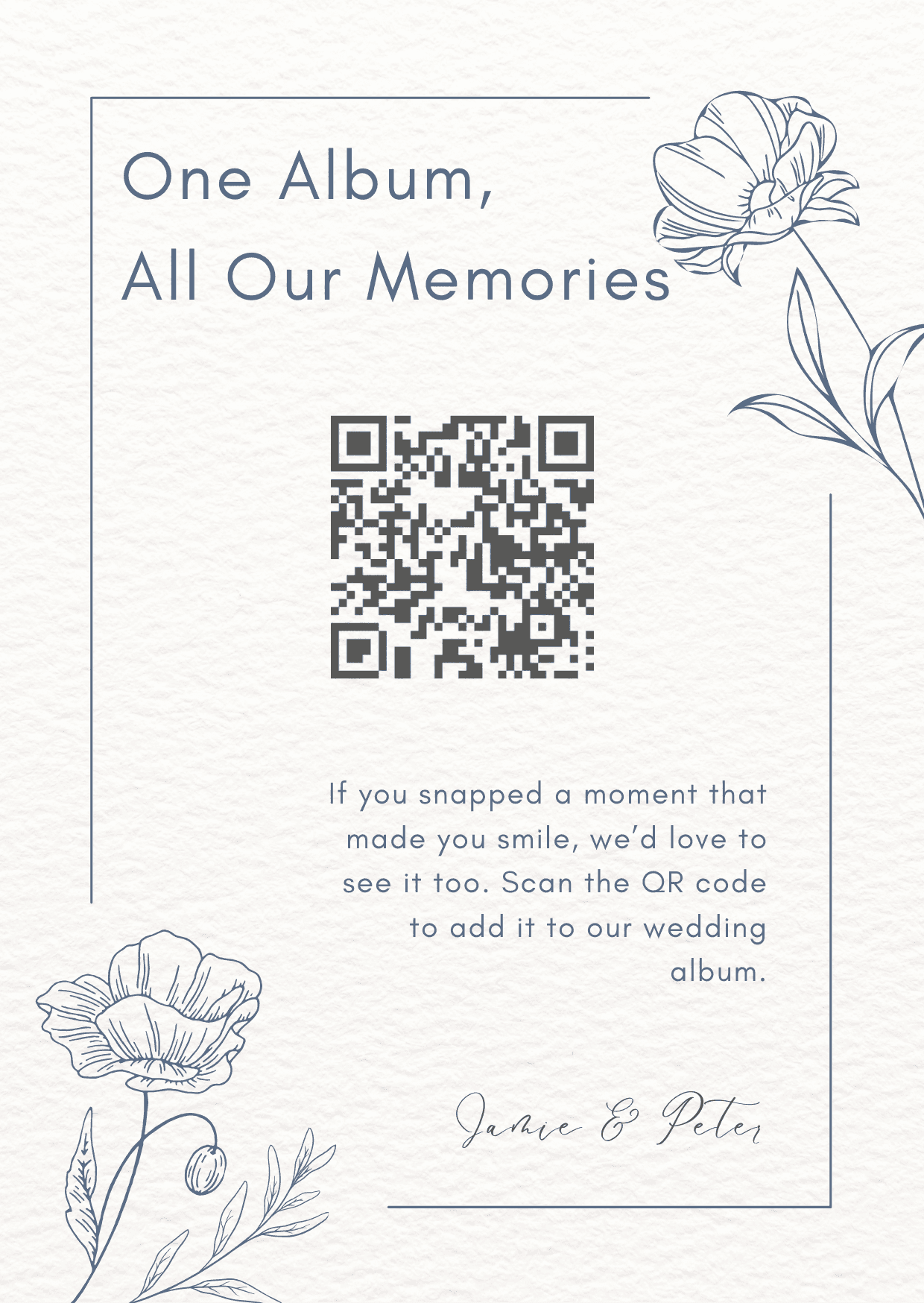
One Album InvitationCopy & edit in Canva

Scribble QR CardCopy & edit in Canva
Don't have an album yet?
Create your free QR wedding album and get your unique QR code to use with these templates.
Create Free Album